Interfaces via Dribbble
Dribbble's own board of about 500 app screens, websites and interface animations.
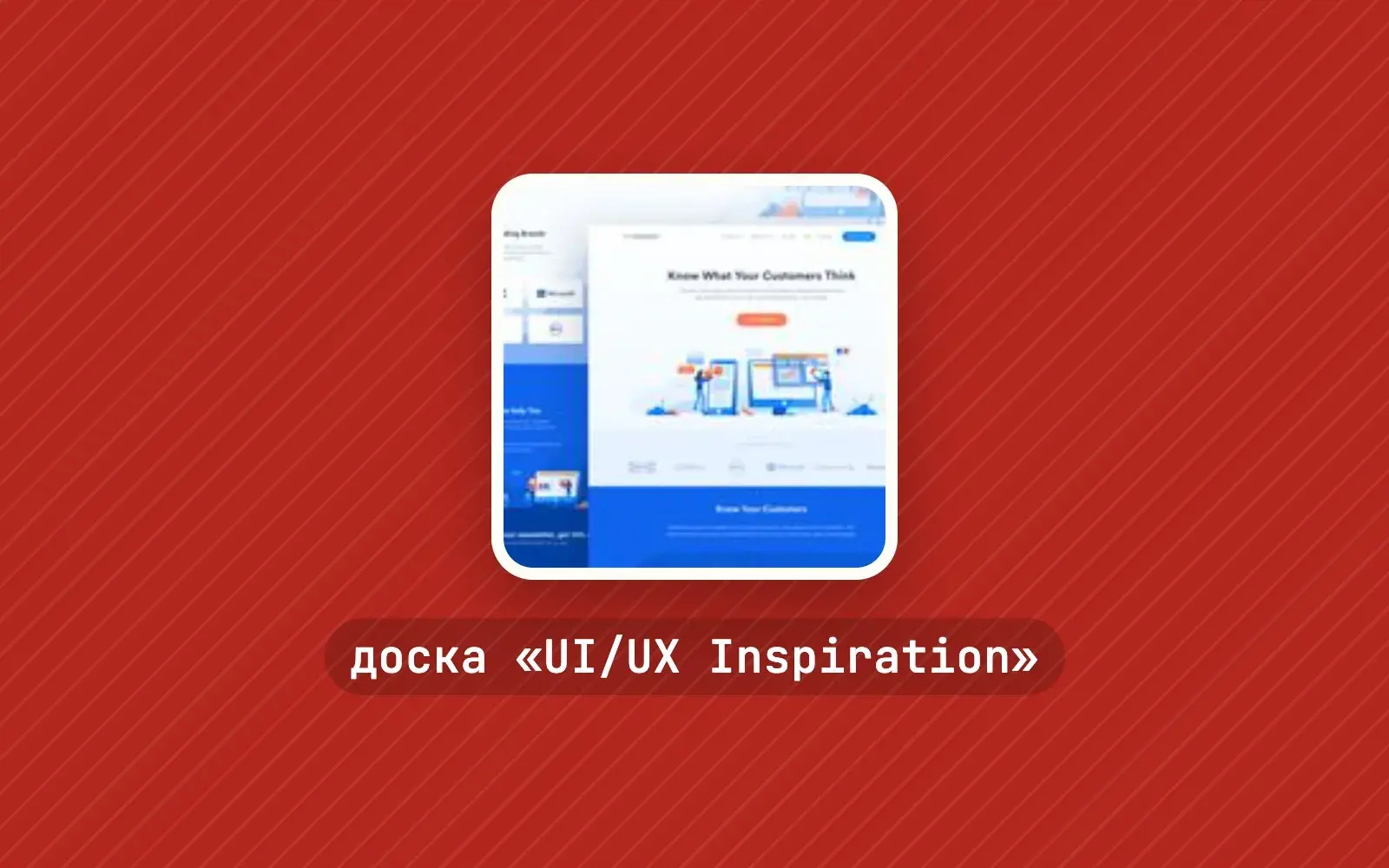
What it is
UI/UX Inspiration is a Pinterest board run by Dribbble itself, the platform where designers show their work. It holds around 500 pins: mobile app screens, landing pages, website concepts and interface animations, each linking back to the original shot on Dribbble with the designer's name. Dribbble's Pinterest profile has more than 1.6 million followers, and this is one of its twenty-odd boards.
Why we picked it
Hunting for UI inspiration on Dribbble means scrolling an endless feed of popular shots. Here the Dribbble team has already picked, and the mix is refreshingly varied: a minimalist medical landing page, an Airbnb concept for VR, a colourful habit tracker, a samurai-themed website, a pet app, an interactive site riffing on 1984. Captions often say in a line what caught the team's eye, which is a useful hint about where to look.
It also helps that sibling boards sit right next door. Animation Inspiration covers motion and micro-interactions, Illustration Inspiration has more than 1,500 illustrations of the kind that bring interfaces to life, Icon Inspiration handles icons, and Case Studies walks through projects from brief to result. Together they cover most of a product's visual layer.
Where to start
- Open the board before a new project and save 10–15 screens in a similar domain — an instant moodboard to discuss with your team.
- Study the landing pages for hero layouts and how the offer is framed.
- Mobile concepts are a good source of ideas for onboarding and empty states.
- Visit Case Studies to see the reasoning behind decisions, not just the pixels.
- Keep Animation Inspiration for when the screens are done and it's time to add motion.
Who it's for
UI/UX designers kicking off a project, product teams collecting references, and developers who design screens for their own apps and sites. Students on UX courses, too — it's a quick way to train your eye in one evening.
Quick answers
Do I need a Pinterest account? You can browse without one, though Pinterest may ask you to log in. Saving pins to your own board requires an account.
Can I copy these interfaces? They're specific designers' work, so treat them as inspiration rather than templates. The author is credited in every pin.
Are these concepts or shipped products? Both — plenty of concepts, but some real projects too.