The Scale of the Universe 2
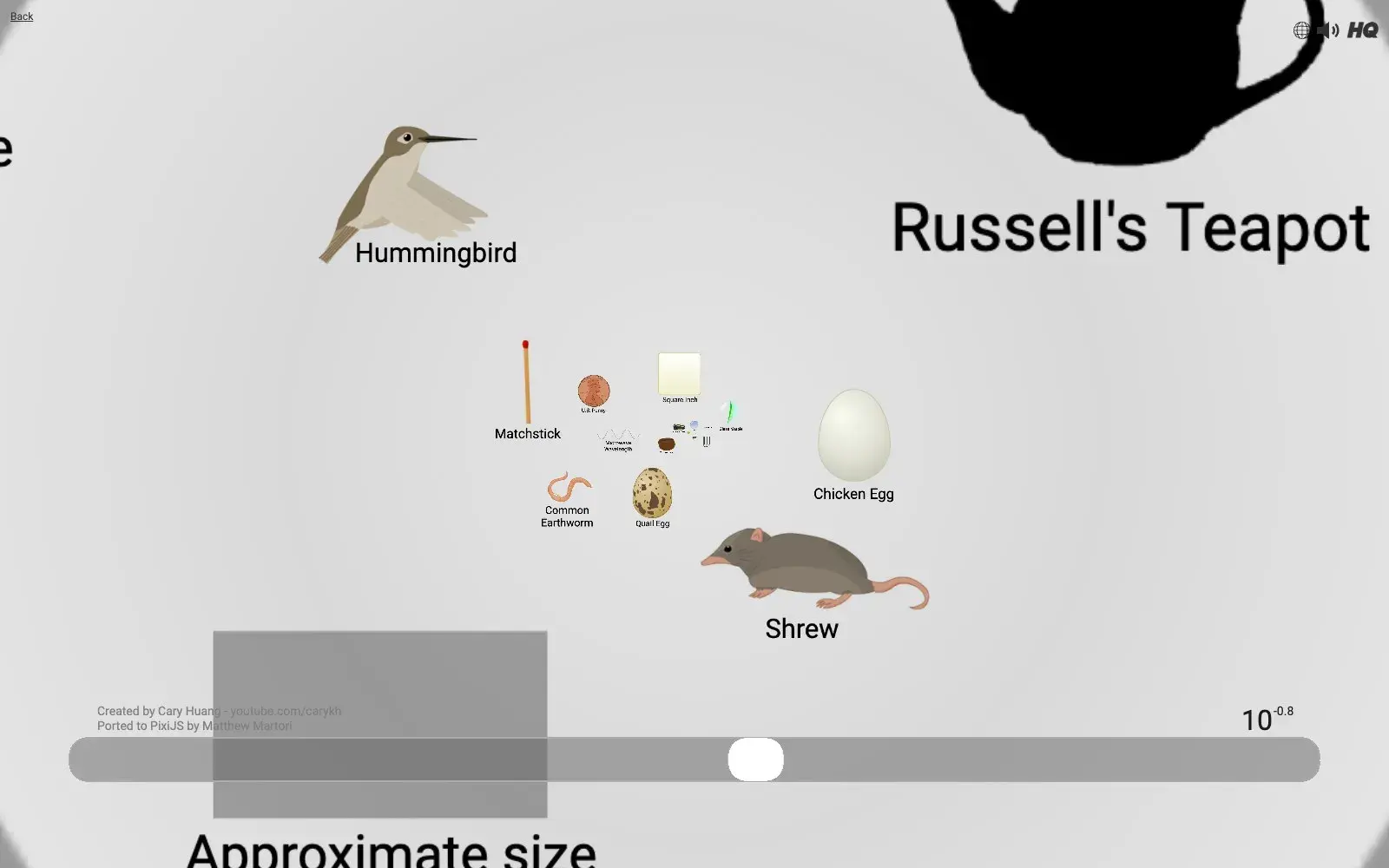
One slider takes you from the tiniest particles all the way out to the size of the observable universe. Click anything along the way to read about it.
What it is
The Scale of the Universe 2 is an interactive visualization by Cary Huang that lets you zoom through the scale of the universe, from the tiniest particles to the whole observable universe. The site credits the University of Utah's "Cell Size and Scale" project as its inspiration. The controls are as simple as it gets: one slider (or your scroll wheel), and everything around you grows or shrinks.
Why we picked it
We have all read how small an atom is or how big a galaxy is, but numbers with dozens of zeros do nothing for the imagination. Here you see it. You start next to a person, an ant and a coin, then shrink past cells, viruses and atoms, or swell up past planets, stars and galaxies. Each step feels real, and at some point the sizes actually start to click.
It also rewards curiosity. Almost every object can be clicked to open a short description. The interface is available in around twenty languages, and the pictures speak for themselves anyway. If you are looking for a way to show kids how big the universe really is, it is hard to beat.
Where to start
- Open htwins.net/scale2, pick a language (English, Spanish, Ukrainian and 15+ more) and press Start; then drag the slider or use the scroll wheel.
- Start in the middle of the scale, at human size, and slowly slide down into the microscopic world.
- Keep going past atoms into the truly abstract sizes.
- Head back up: mountains, planets, stars, then galaxies.
- Click objects along the way and read their short descriptions.
- Show it to a kid and ask them to guess what comes next.
Who it's for
Students, science teachers, parents of curious kids, and anyone who has ever tried to picture how small an atom or how big a galaxy really is.
Quick answers
Is The Scale of the Universe free? Yes, the web version runs free in your browser.
Is there an app? The site links to an iOS app.
Who made it? Cary Huang created it; the web version was ported to Pixi.js by Matthew Martori.