IZN Tools: small browser tools
About a hundred single-purpose tools — compress an image, format JSON, price a loan, pick a username — and your files never leave the browser.
What it is
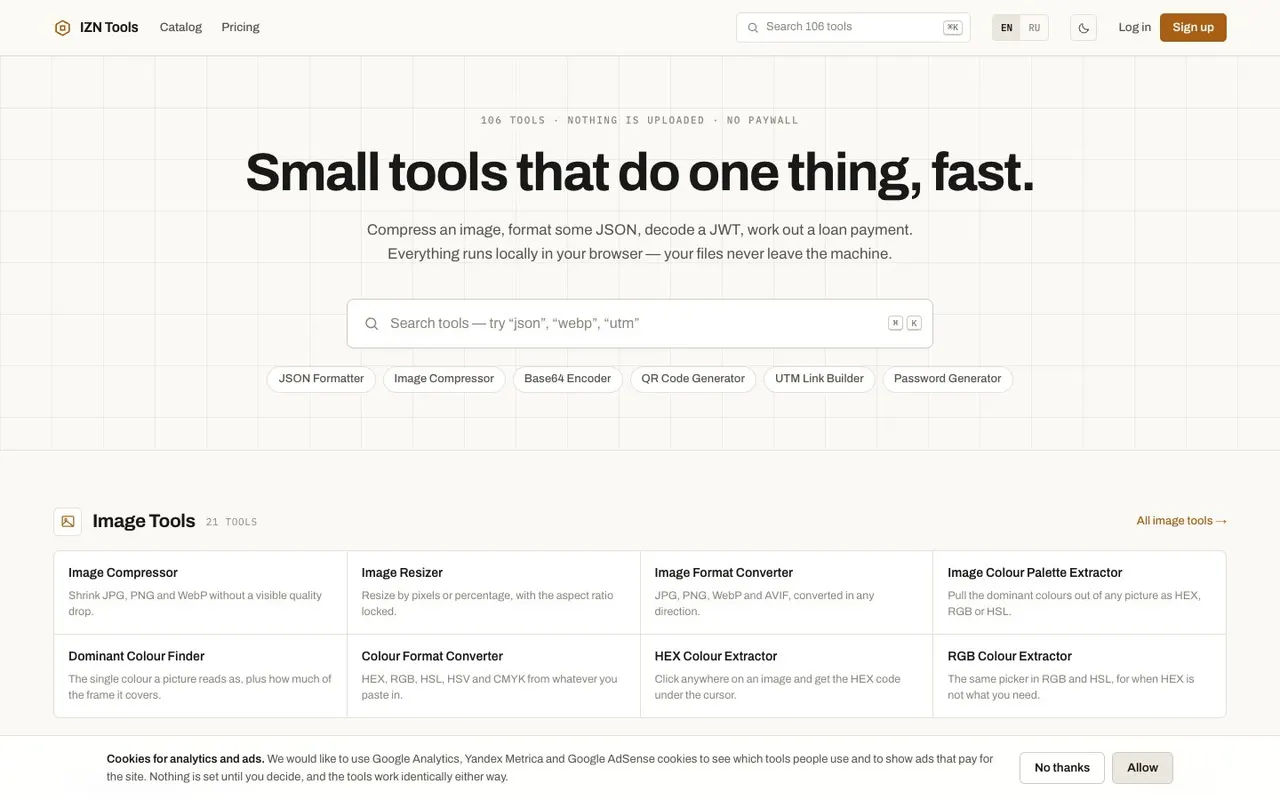
IZN Tools is a catalogue of small web tools where each page does exactly one job. Compress or crop an image, turn a PNG into WebP, pull a colour palette, format JSON, decode a JWT, test a regex, build a UTM link or JSON-LD markup, work out a loan payment or VAT. The catalogue lists 103 entries across five sections — images, SEO, developer, calculators and generators — with a handful still marked "soon". It's available in English and Russian. This is one of our own projects.
Why we picked it
The interesting part is where the work happens. Images, text and data are processed in your browser, and the file is never uploaded anywhere. That matters when the screenshot has client data on it or the photo carries GPS coordinates in its EXIF. The site explains why it's built this way rather than just claiming it.
The other thing that caught our eye is the username generators. Most of these spit out random strings. The Telegram one knows the real rules: Latin only, 5 to 32 characters, no leading digit, no underscore at either end and never two in a row. There's a table showing which rules Telegram states and which the app enforces quietly. A Check button tells you whether a handle looks taken, and spells out what that check can't see. Similar generators cover Discord, Roblox, Minecraft, Steam and more.
Where to start
- Hit ⌘K and type the job: "json", "webp", "utm".
- Run a batch of screenshots through the image compressor.
- Generate a Telegram handle and check whether it's free.
- Build Open Graph tags with a live card preview.
- Read the pricing page, which says plainly there's nothing to buy yet.
Who it's for
Developers and SEO people who need something formatted or generated in ten seconds. Freelancers working out an hourly rate and the VAT on top. Anyone picking a name for a new account. And anyone who'd rather not hand files to an unknown online converter.
Quick answers
Do I need an account? No, the tools work without one. A free email account adds batch processing, larger files and synced favourites.
Are my files uploaded? Not for image, text and data tools — they run in the browser. Only a few features, such as exchange rates and the username check, use the network.
Is anything paid? No. A paid tier appears on the pricing page marked as not built, and nothing can be bought.